Business Timeline Infographics Template: A Smart Tool for Clear Visual Communication
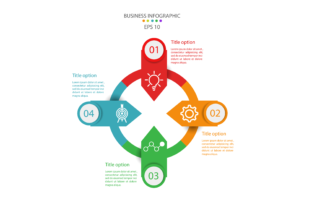
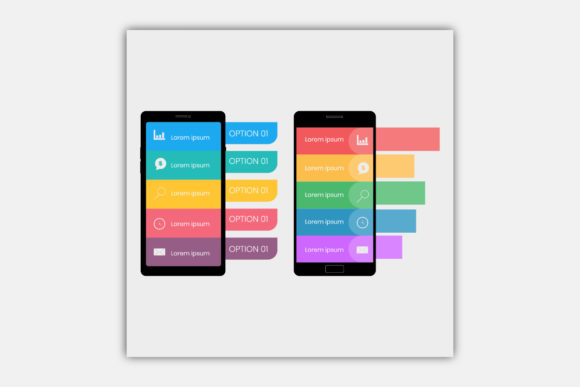
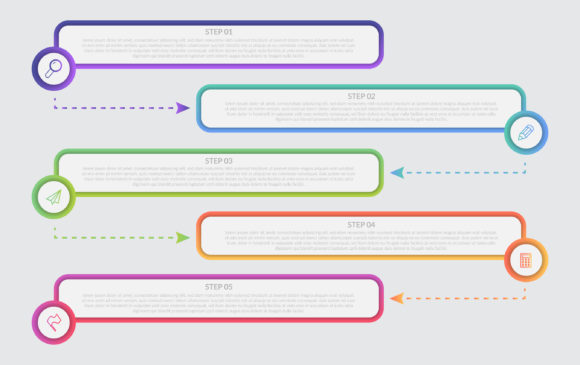
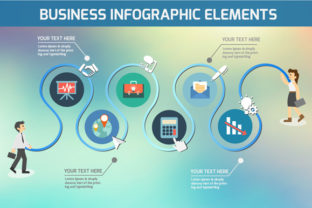
Visual storytelling is a powerful way to convey complex information clearly and effectively, especially in business settings. A well-designed Business Timeline Infographics Template allows users to map out processes, milestones, project phases, or historical data in a visually engaging format. Whether you're a marketer presenting campaign progress, a teacher explaining historical events, or a small business owner outlining company growth, these templates offer a structured and professional way to share timelines without needing advanced design skills.
Common Missteps When Choosing and Using Timeline Infographics Templates
Despite their usefulness, many people run into issues when selecting or working with timeline templates. These mistakes can affect the clarity of the message, the professionalism of the output, and even the time it takes to complete a project. Here are some common pitfalls and how to avoid them.
Mistake 1: Overlooking File Format Compatibility
One of the first issues users encounter is assuming all templates are created equal across design platforms. While many Business Timeline Infographics Templates come in EPS format, which is fully editable in Adobe Illustrator, not everyone has access to that software. Trying to open an EPS file in incompatible software can lead to distorted visuals or missing elements.
Better approach: Always check what file formats are included and whether they're compatible with your current tools. If you don't use Adobe Illustrator, look for templates that also offer SVG or PDF versions for broader compatibility.
Mistake 2: Underestimating Customization Needs
Many templates are labeled as “editable,” but that doesn’t always mean they’re easy to customize. Some users assume they can quickly change colors or fonts only to find that the design elements are locked or grouped in complex layers.
Better approach: Choose a Business Timeline Infographics Template that explicitly states “All Objects Colors are Editable” and includes layered organization. This ensures you can tweak every part of the design to match your brand or presentation style without frustration.
Mistake 3: Ignoring the Importance of Scalability
Infographics often need to be resized for different uses—whether for a printed poster, a slide deck, or a web page. Raster-based images (like JPGs) lose quality when scaled up, which can make your timeline look blurry or pixelated.
Better approach: Opt for vector-based templates like EPS or SVG. These formats maintain clarity at any size, making them ideal for professional use across various platforms and mediums.
Mistake 4: Skipping the Preview Check
Some users jump straight into editing without reviewing the example preview. This can lead to surprises like mismatched layouts, confusing visual hierarchies, or design elements that don’t align with their intended message.
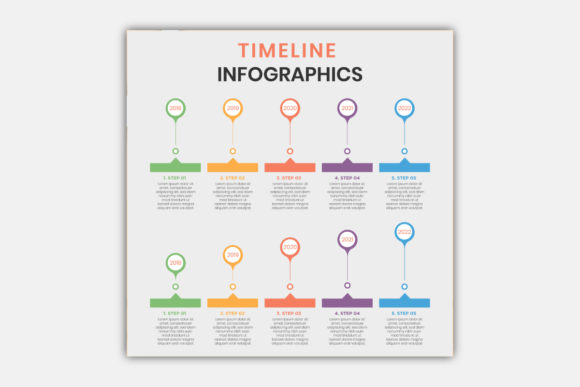
Better approach: Use the provided JPG preview to get a clear idea of the template’s structure and visual flow. This helps you assess whether the design suits your project before investing time in editing.
How These Mistakes Impact Your Work
Choosing the wrong template or underestimating customization needs can result in wasted time, unprofessional visuals, or a final product that doesn’t communicate your message effectively. For example, a poorly scaled timeline in a presentation can distract your audience or even undermine your credibility. Similarly, a confusing layout might cause viewers to misinterpret key milestones or dates.
Additionally, when templates aren’t easy to edit, users often end up spending more time trying to make adjustments than focusing on the content itself. This can delay project timelines and reduce overall productivity.
What to Check Before Downloading or Using a Business Timeline Infographics Template
Before you commit to a template, take a few moments to evaluate the following:
- File format: Is it compatible with your software? EPS files are great for Adobe users, but you may need SVG or PDF if you're using other tools.
- Customization level: Can you easily edit colors, fonts, and layout? Look for templates that offer full layer access and editable text.
- Preview availability: Does the seller include a JPG preview to show how the template looks before editing?
- Scalability: Will the design hold up when resized for different uses?
- License type: Make sure the template can be used for your intended purpose—commercial use, personal projects, etc.
Real-World Examples of Effective Use
Consider a freelance designer who needs to present a project timeline to a client. By using a Business Timeline Infographics Template in EPS format, they can easily adjust color schemes to match the client’s brand and scale the design for both digital and print delivery. The result is a clean, professional visual that enhances communication and builds trust.
On the flip side, imagine a small business owner who downloads a timeline template without checking compatibility. They spend hours trying to edit it in a non-vector program, only to discover that the text is blurry and the layout breaks when resized. This leads to frustration and a last-minute scramble for an alternative.
Final Thoughts: Choosing the Right Template for Your Needs
A Business Timeline Infographics Template is more than just a design shortcut—it's a communication tool that can streamline your workflow and elevate your presentations. By understanding your needs and avoiding common mistakes, you can make the most of these templates without unnecessary headaches.
Look for templates that offer flexibility, clarity, and ease of use. Check file formats, preview samples, and ensure that every element can be customized to fit your brand and message. With the right template in hand—like one that includes an EPS file format, fully editable layers, and scalable vector graphics—you’ll be well on your way to creating impactful, professional visuals with confidence.